Best Free AI Headshot Generator for Job Seekers in 2026: 7 Tools Tested (What “Free” Really Gets You)

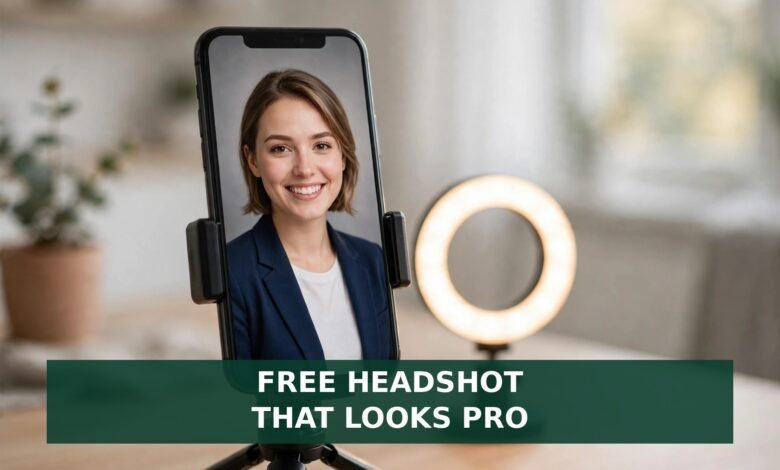
A recruiter spends about six seconds on your resume. Your LinkedIn photo gets judged even faster — in about a tenth of a second, according to Princeton research on first impressions. And LinkedIn’s own data says profiles with a photo get 21 times more views and 9 times more connection requests than profiles without one.
The good news: you do not need to pay a studio $200 or more for it. The best free AI headshot generator for job seekers can turn a phone selfie into a clean, professional portrait in minutes. The catch is the word “free.” Most tools that call themselves free will watermark your photo, stop after two images, or make you wait weeks in a queue. Here is what I found.
The quick answer: the best free AI headshot generator for job seekers
Need a photo today with no account? Start with HeadshotMaster — free daily credits, no watermark, no signup. If you want lots of options, ZSky AI gives you around 50 watermark-free headshots a day. Canva is the easiest pick if you already use it, with 2 free credits a day. BetterPic makes the best-looking free headshots but puts you in a queue that can run 1 to 3 months.
Why your photo works harder than your resume
Recruiters search LinkedIn before they read a single resume. When your profile shows up, the photo is the first thing they see — before your headline, before your job titles. Profiles with professional photos get 21 times more views and 9 times more connection requests, per LinkedIn’s own data. That is not vanity. That is visibility.
The other side is less forgiving. Recruiter surveys reported by several 2026 guides say 71% of recruiters have rejected an otherwise qualified candidate because of an unprofessional photo. The cropped vacation shot, the sunglasses, the group photo where you are the third face from the left.
One more number matters. In blind tests cited by Magic Studio, recruiters preferred AI headshots over real photos 76.5% of the time, thanks to better lighting and polish. But 66% of those same recruiters said they would be put off if they knew the photo was AI-generated.
The 4 traps hiding inside the word “free”
Every tool on this list calls itself free. Check for these four traps first.
The watermark. Some free plans stamp a logo across your photo or lock the clean download behind a paywall. A watermarked headshot looks worse than a plain selfie.
The two-image cap. The most common trick is a free trial that ends after two pictures. Two images is not enough to find a good one — you need a batch to choose from.
The queue. A few tools offer genuinely free, high-quality headshots and pay for it with your time. BetterPic’s free tier runs on a shared queue with a current wait of around 1 to 3 months.
Your face data. You are uploading photos of your face to a company you have never heard of. Check two things first: does the tool say it deletes your photos after processing, and does it ask for a credit card “just to verify”? HeadshotMaster states plainly that photos are not stored after processing and asks for no signup at all.
The 7 best free AI headshot generators for job seekers, honestly ranked
1. HeadshotMaster — best truly free option
HeadshotMaster is the easiest recommendation on this list. You get free daily credits with no watermark on downloads, and you can generate your first two headshots without even creating an account. Upload a selfie, pick an industry style, and get a usable headshot in under two minutes.
2. ZSky AI — best free volume
ZSky AI has the most generous free plan I found: 50 headshot generations a day, completely watermark-free, with commercial rights included. That volume matters, because picking a headshot is a numbers game — generate twenty, keep two.
3. Canva — best for beginners
If you already have a Canva account, this is the lowest-effort option of all. The free tier gives you 2 credits a day and watermark-free downloads, in an editor millions of people already know. You will not get the most realistic results on this list, and two credits a day means you cannot batch-generate.
4. BetterPic — best free quality, worst wait
BetterPic’s free option is genuinely impressive: up to 10 headshots in 4K resolution, with a full commercial license. The catch is the queue. Free users share the same high-quality model as paying customers, so the current average wait is around 1 to 3 months.
5. Dr.Headshot — most reliable quick pick
Dr.Headshot earns its spot through consistency. Reviewers who tested the free tools side by side call it one of the most reliable free picks for fast, usable headshots, with neutral backgrounds and clean lighting — the two things that make a photo read as professional. It just gives you a clean result quickly, which is what a job seeker in a hurry needs.
6. Supawork — best straightforward option
Supawork sits next to Dr.Headshot in most side-by-side tests, and for the same reason: it does the simple thing well. Upload a selfie, get a straightforward professional photo with a clean background, download it without a fight. It is a good second try if your first tool gives you results that look over-smoothed or just not like you.
7. Dreamwave — best photorealism on a free tier
Dreamwave has built a loyal following for one reason: the results look real. Reviewers report that friends and family cannot tell the photos are AI-generated. That realism is a double-edged sword — remember the 66% figure above.
Two more names worth knowing: Vidnoz and PFPMaker are strong for style variety and quick background cleanup, and PhotoGrid turns a single selfie into a clean corporate headshot in your browser.
The 10-minute selfie-to-LinkedIn workflow
A good headshot starts before you open any tool.
Step 1: Take 8 to 15 good selfies. Face a window in daylight, phone at eye level, plain wall behind you.
Step 2: Pick one free tool. Start with HeadshotMaster or ZSky AI. Generate a full batch, not one or two images.
Step 3: Judge on a big screen. Look at the results on your laptop, not your phone. Zoom in and check the eyes, teeth, hairline, and skin.
Step 4: Run the “still looks like you” test. Show your best result to a friend and ask: “Would you recognize me from this photo?” If they hesitate, reject it and try another tool.
Step 5: Crop to the 60% face frame. Your face should fill about 60% of the frame, with a little room above your head. LinkedIn crops photos into a circle.
Step 6: Upload and measure. LinkedIn shows a 90-day timeline of profile views and search appearances. Screenshot your numbers today, keep everything else steady for two weeks, then compare.
The “still looks like you” test
An AI headshot presents you well; it does not present someone else. If the photo smooths away your age, changes your face shape, or makes you look ten years younger, it will hurt you the moment you join a video call.
LinkedIn has no policy against AI-generated headshots, as long as the photo accurately represents you. That is the whole standard: accurate. The best AI headshot is the one your interviewer looks at and thinks, “Yes, that is the person on my screen.”
When to pay $29 instead of staying free
Free covers most job seekers. Pay the one-time $29 for a premium tool like Aragon AI when one of these is true: you are sending out fifty applications a month and your photo is your first impression fifty times over; the free tools keep giving you waxy skin or wrong-looking eyes; or you need a consistent set of photos across LinkedIn, your resume, and a company website. A studio session often starts around $200, so $29 for a polished set is a fair middle step.
What not to do with your LinkedIn photo
- Do not crop yourself out of a group photo. The stray shoulder and the beach in the background tell the whole story.
- Do not use sunglasses, hats, or heavy filters. Recruiters read them as hiding something, even when you are not.
- Do not use a photo that is five years old. The interview will expose it in the first three seconds.
- Do not let the AI change your features. Smoother skin is fine. A different jawline is not.
- Do not leave the photo blank. A missing photo reads as a fake or inactive account, and recruiters skip it without thinking twice.
Frequently asked questions
Is there a truly free AI headshot generator?
Yes. HeadshotMaster offers free daily credits with no watermark and no signup, ZSky AI gives you around 50 watermark-free headshots a day, and Canva gives you 2 free credits a day. BetterPic also has a genuinely free 4K option, but the queue can run 1 to 3 months.
Can I use an AI headshot on LinkedIn?
Yes. LinkedIn does not ban AI-generated headshots, as long as the photo accurately represents you. Use a recent selfie as the input and keep the result honest.
What is the best free AI headshot generator with no watermark?
HeadshotMaster and ZSky AI both offer watermark-free downloads on their free tiers, and Canva’s free credits are watermark-free too. BetterPic’s free tier is also watermark-free, with the trade-off of a long queue.
How many selfies do I need for a good AI headshot?
Most tools work best with 8 to 15 clear selfies taken in good daylight, at eye level, against a plain background. PhotoGrid works from a single selfie. More input photos usually means a more accurate result.
Is an AI headshot better than a professional photo?
In blind tests, recruiters preferred AI headshots over real photos 76.5% of the time, mostly because of better lighting and polish. But most said they would feel differently if they knew the photo was AI-generated. A good AI headshot beats a bad phone selfie easily and comes close to a studio photo for LinkedIn purposes.
Your photo is your first handshake
A job search runs on first impressions, and your LinkedIn photo is the first one most recruiters ever get. The tools above can give you a professional headshot for free in ten minutes — no studio, no $200 bill. Pick one, generate a batch, keep the photo that looks like you on your best day, and upload it today. Then fix the rest of the profile: our free AI cover letter generator guide pairs with this one, our AI interview preparation tools get you ready for the call that follows, and our video interview guide makes sure the person on screen matches the photo.
Build Your Own Website for Free — Your Headshot Deserves a Home
 🌐
Free Website
🌐 FREE Website — Turn Your Ideas Into Income
Disclosure: This article contains an affiliate link. If you purchase hosting through it, we may earn a commission at no extra cost to you.
And if you want to earn a handsome amount every month, this is where it starts: make a website and write helpful articles on it, the way this one helped you. Google traffic can turn into monthly income over time, but only with consistent articles — it is steady work, not overnight magic, and nobody can promise you a fixed amount. Buy hosting through our link, send us your receipt through the JobyRoz contact page, and we will guide your basic business website setup for FREE.
Disclosure: this section contains an affiliate link. If you buy hosting through it, we may earn a commission at no extra cost to you.
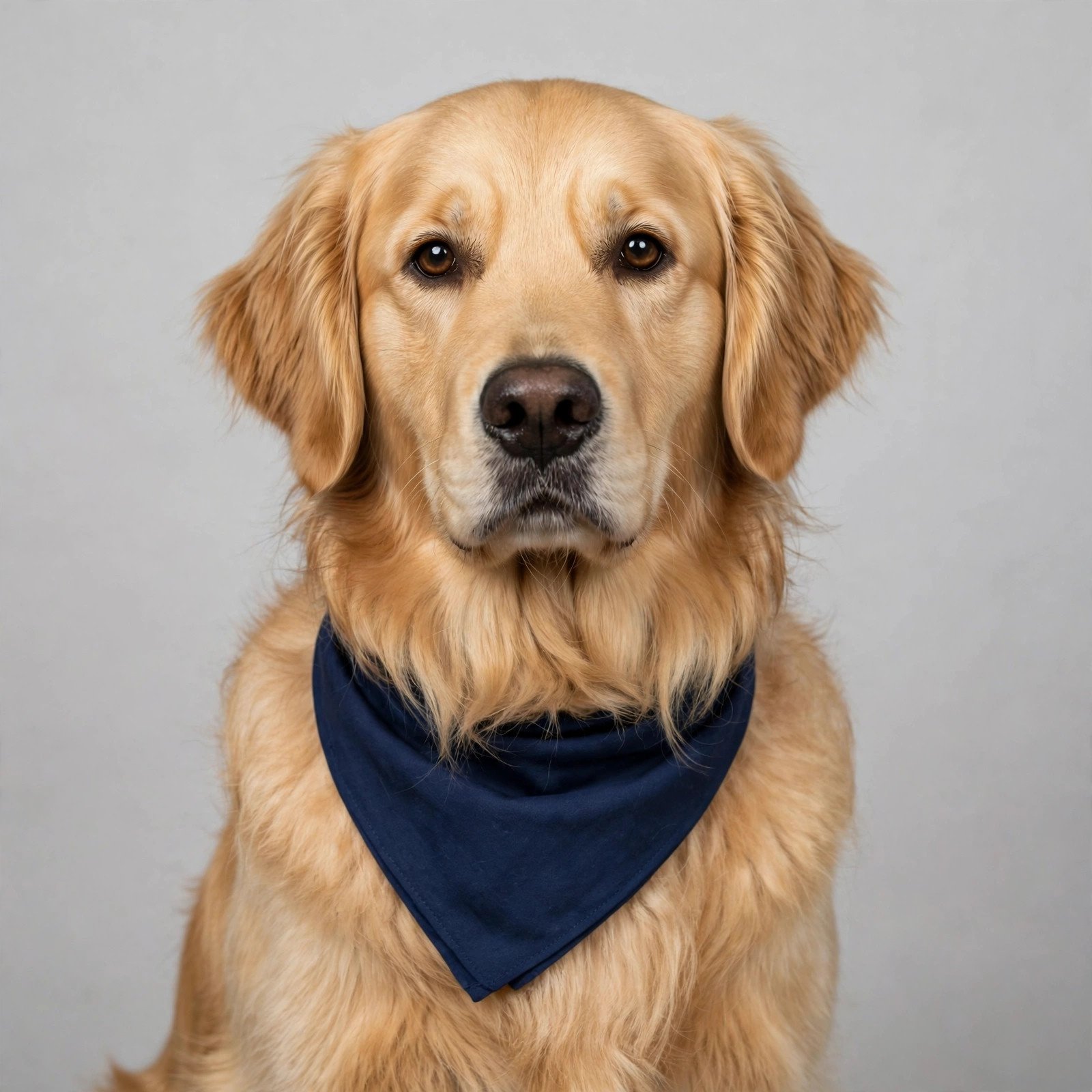
The Only Headshot That Never Needs Retouching
While you were picking the perfect filter and worrying about your smile lines, this golden retriever sat down, put on a bandana, and posed for the camera like it was born for LinkedIn. No AI, no queue, no watermark — just a very good boy who already looks hired. If your best friend at home deserves the same star treatment, start with the guides that keep them healthy, happy, and camera-ready.
 🐶
Free Pet Guides
Check What Your New Salary Is Really Worth — Earnrove’s Free Money Calculators | Clean Water for Your Home Office — Clearove
🧮Money Tools
Earnrove - Free Money Calculators